

Whats happening when you scroll on your device
Majority of the apps use lists to display the data. Be it your settings screen or the one in my app shown below.
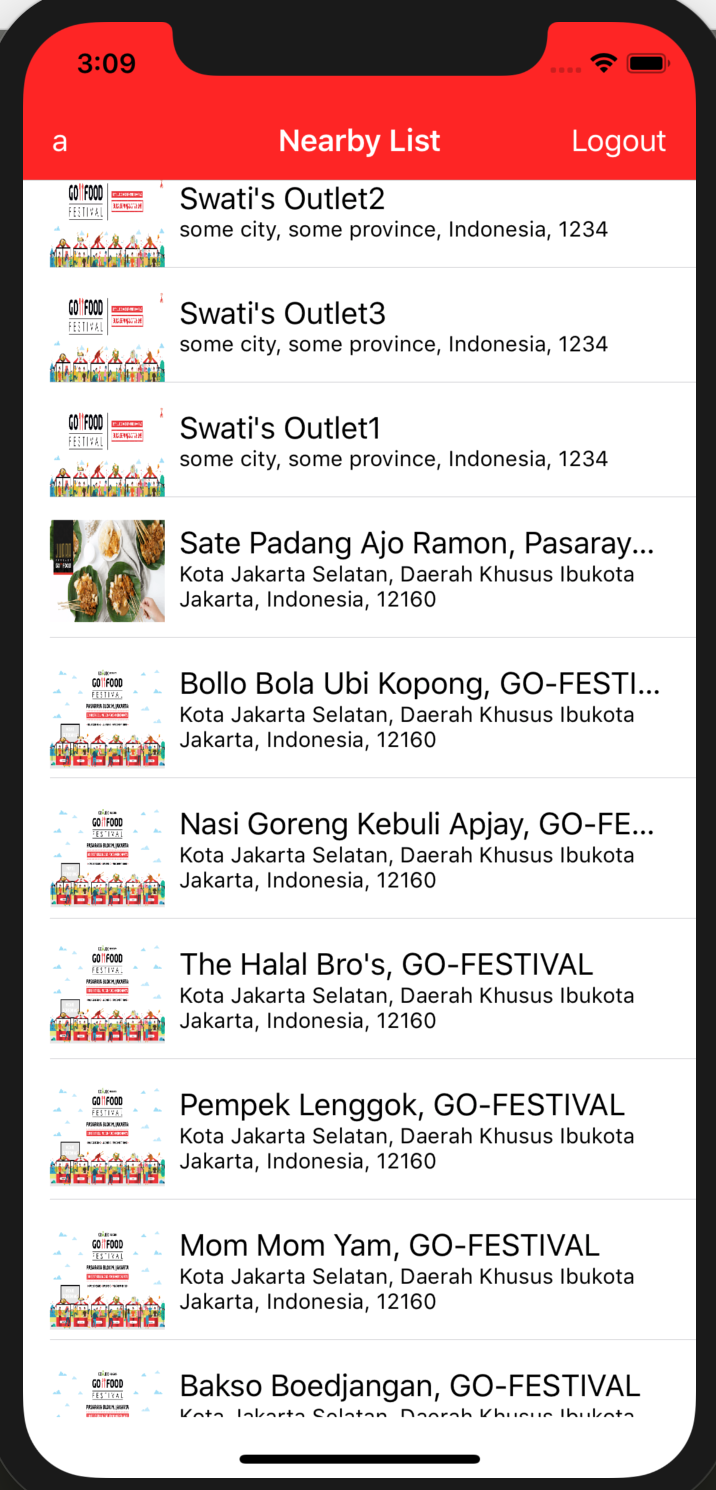
How to implement such functionality?
Say you have a list with 1000 rows. One trivial simple way is to load them all together. But this will stall the current screen as setting the content to 1000 rows is expensive operation.
Lets make the use of the fact that we can display max 10–20 such rows on screen depending on the device. So lets just load these X rows +4 rows. Where X is the rows which the device can display and additional rows for no latency. So the idea is to make just there X + 4 row cells. And when the user scrolls down, the cells which go at the top are reused in the bottom. Consider it as a loop. Cells going up are actually the cells coming from bottom with the data value changed. Android (Recycler view) and IOS (TableView) provide this inbuilt functionality where they keep track of the row and give us an abstraction to set the data to that row and they internally take care of it.
You can contact the author at me@abhinavrai.com